

AuthenTrend biometric security keys / Canada
Touch. Verify.
Get to work.
Shop ATKey biometric security keys for fast, fingerprint-based access to Microsoft Entra ID, Google, and FIDO2-enabled services.
Choose USB-A, USB-C, or a battery-free biometric smart card with TEKYHOST, your AuthenTrend reseller partner in Canada.
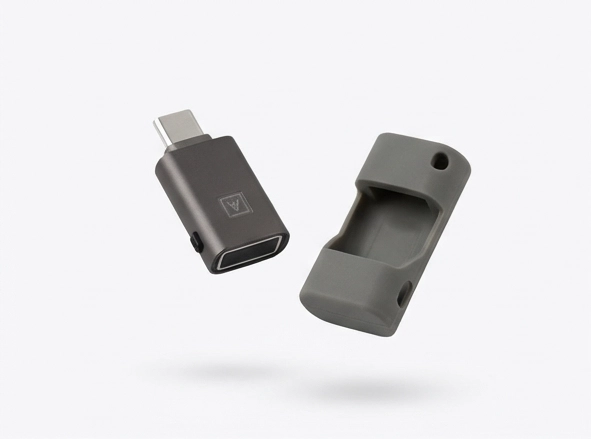
Built-in biometric privacy. Fingerprint acquisition and matching happen on the authenticator. Your biometric data never leaves your key or card.
Choose your ATKey
Three formats. One personal touch.
Open a product page for current pricing, availability, and ordering.
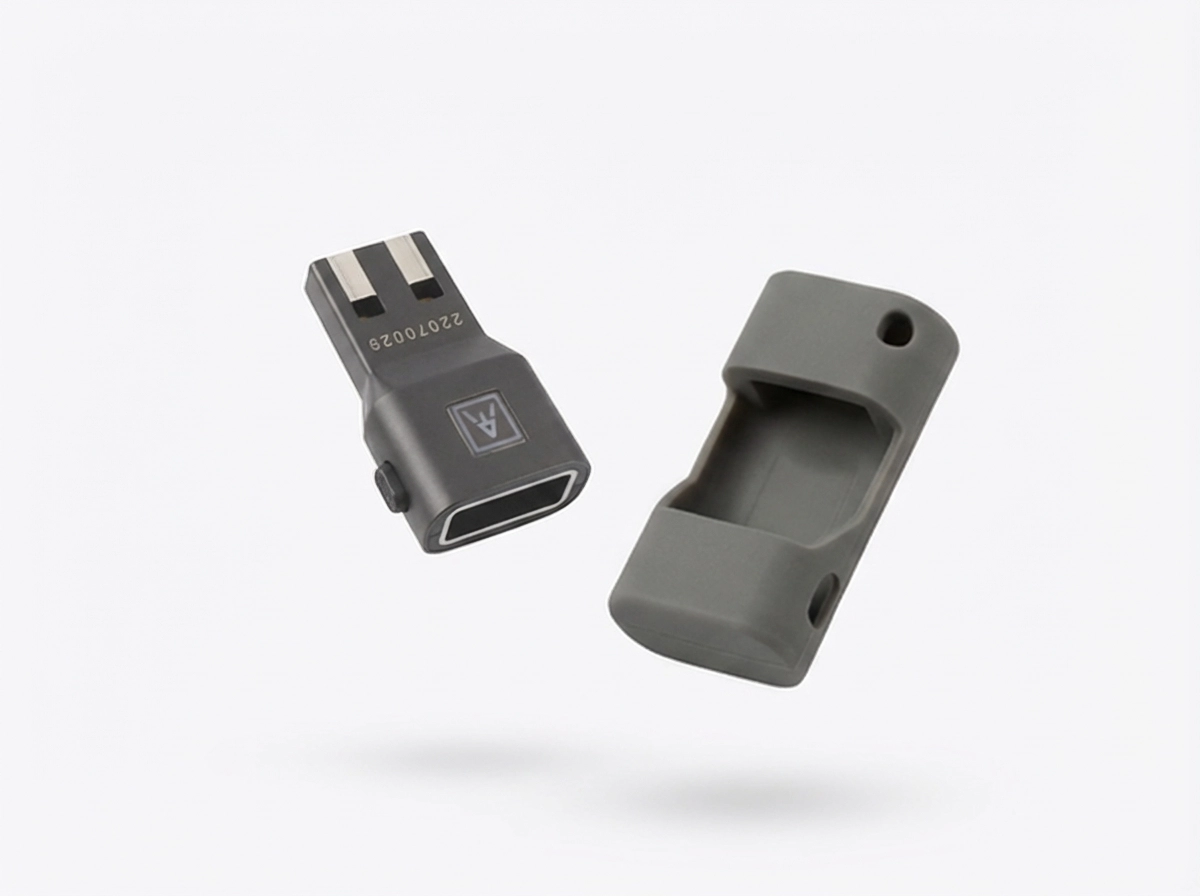
Model 701 / USB-A
ATKey.Pro USB-A
Driver-free fingerprint authentication through your computer’s USB-A port.
- Fingerprint matching in under one second.
- Standalone enrollment without a proprietary app.
- Up to 10 enrolled fingerprints.
- Durable zinc-alloy housing.
- FIDO2 CTAP2.1 and U2F certified.
Model 702 / USB-C
ATKey.Pro USB-C
Fast fingerprint sign-in in a compact USB-C security key.
- Fingerprint matching in under one second.
- Standalone enrollment without a proprietary app.
- Up to 10 enrolled fingerprints.
- Durable zinc-alloy housing.
- FIDO2 CTAP2.1 and U2F certified.
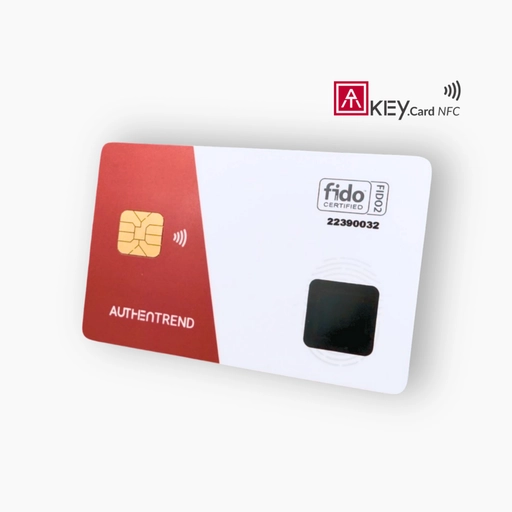
Model 630B / Smart card
ATKey.Card NFC
Battery-free, bio-tap-and-go authentication in a wallet-sized card.
- NFC and contact smart-card interfaces.
- FIDO2, PIV/PKI, and MIFARE Type A.
- Onboard fingerprint sensor with liveness detection.
- Two enrolled fingerprints.
- No charging or battery replacement.
Requires a compatible NFC device or reader, or contact smart-card reader. Reader and badge holder are separate unless specified.
View price & detailsCompare the range
Find your connection.
| Feature | ATKey.Pro USB-A | ATKey.Pro USB-C | ATKey.Card NFC |
|---|---|---|---|
| Connection | USB-A | USB-C | NFC / contact smart card |
| Fingerprint verification | On the key | On the key | On the card |
| Fingerprint capacity | Up to 10 | Up to 10 | 2 |
| FIDO certification | FIDO2 CTAP2.1 / U2F | FIDO2 CTAP2.1 / U2F | FIDO2 CTAP2.1 / U2F |
| Power source | USB | USB | Reader or NFC field |
| Additional protocols | — | — | PIV/PKI and MIFARE Type A |
Enterprise authentication policies are configured through your identity platform. Card-based PIV/PKI and physical-access functions integrate with the corresponding reader and access infrastructure.
Designed for everyday use
Strong authentication without the friction.
Fast verification
ATKey.Pro’s ergonomic side-mounted sensor matches your fingerprint in under one second.
Local biometric protection
Your fingerprint is acquired and matched on the authenticator. Biometric data never leaves the hardware.
Broad service integration
Use ATKey.Pro with Microsoft Entra ID, Google, and other FIDO2-enabled platforms through a driver-free USB connection.
ATKey questions, answered.
Which ATKey.Pro connector should I choose?
Choose USB-A for a computer with a USB-A port, or USB-C for a computer with a USB-C port. Both versions provide fingerprint-based FIDO2 authentication.
Can I use ATKey.Pro with Microsoft Entra ID and Google?
Yes. ATKey.Pro works with Microsoft Entra ID, Google, and other FIDO2-enabled services. Register the key in your account’s security settings. Organization administrators manage security-key access through their identity policies.
Do I need an app to enroll fingerprints on ATKey.Pro?
No proprietary enrollment app is required. ATKey.Pro supports standalone fingerprint enrollment directly on the key.
How do I connect ATKey.Card NFC?
Use a compatible NFC device or reader, or a contact smart-card reader. The reader or NFC field powers the card during use. TEKYHOST can help you select a reader for your deployment.
How does ATKey protect biometric data?
Fingerprint acquisition and matching take place on the key or card. Your biometric data never leaves the authenticator.
How should I prepare backup access?
Register an additional authenticator or another account recovery method when setting up your key. For a team rollout, include lost-key procedures and recovery in your onboarding process.
Canadian product-selection assistance
Choose the right ATKey for your team.
Tell us your device types, identity platform, user count, and deployment goals. TEKYHOST will help you compare the options.